
.svg)

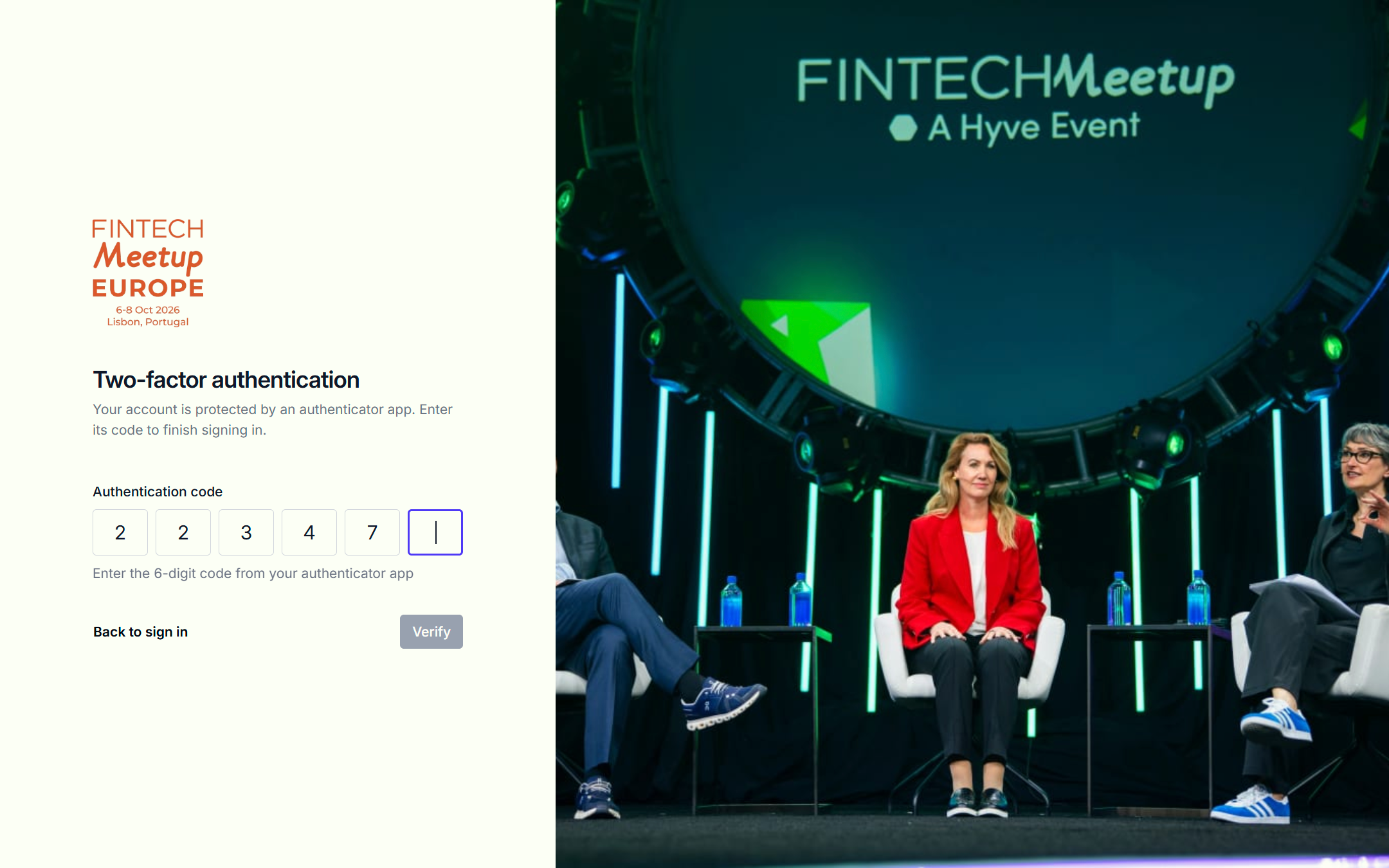
An extra layer of security for the teams managing your events
We're introducing Multi-Factor Authentication (MFA) for all Eventflow users with Admin, Moderator and Report Viewer access. From Saturday 31 October 2026, MFA will become mandatory for these access levels, helping protect your account and the event information you manage. You can set it up now, ahead of the deadline.
Why we're introducing MFA
Eventflow brings important event information, participant data, documentation and operational workflows together in one place. Keeping that information secure is a priority.
Passwords are an important part of account security, but they aren't always enough on their own. MFA adds another layer of protection by requiring an additional verification step when signing in. Even if someone obtains your password, they'll still need to complete this extra check to access your account.
It's a straightforward way to strengthen security without changing how you manage your events.
Who will need to use MFA?
Admins: Users responsible for configuring and managing event settings, content, users, tasks and forms.
Moderators: Users who help manage content, submissions and day-to-day event operations.
Report Viewers: Users who access operational reports and event insights.
Other access levels, including Exhibitor Team Owners and Team Members, are not affected.
How does MFA work?
Eventflow supports compatible authenticator apps, including Microsoft Authenticator and Google Authenticator. You can use an authenticator app of your choice.
When you choose to enable MFA, Eventflow will guide you through the setup process. Once configured, your authenticator app provides the additional verification needed when signing in. There's no need to adopt a particular authenticator app.
When do I need to set it up?
Set up MFA by Friday 30 October 2026. MFA is available to enable now, and we recommend configuring it ahead of the deadline.
At 00:00 UTC on Saturday 31 October 2026, MFA becomes mandatory. If you haven't enabled MFA by then, you'll be signed out and required to complete the guided setup process before continuing to use Eventflow. You won't be permanently locked out simply because you've missed the deadline.
For international teams, enforcement happens at the same moment worldwide, although the local time will differ.
Will anything else change?
No. This update is specifically about account security. Your existing events, content, forms, tasks, reporting and user permissions will remain unchanged. Once you've configured MFA, you can continue managing your events as normal, with an additional layer of account protection.
Supporting secure event operations
As Eventflow continues to support organisers, agencies and event portfolios around the world, we're investing in the security and reliability of the platform. We believe effective security should support the way people work, not make it unnecessarily complicated.
Introducing mandatory MFA for administrative and reporting access is another step towards that goal.
We recommend enabling MFA ahead of the deadline. If you have any questions or need assistance, our team is here to help.
.jpg)
.svg)

.svg)